turtle.pyShared code
import turtle

t = turtle.Turtle()
t.speed(0)
t.pensize(3)
colors = ["red", "orange", "gold", "green", "blue", "purple"]

for i in range(36):
    t.pencolor(colors[i % 6])
    t.circle(80)
    t.left(10)

turtle.done()
Output
Press Run to see the result
 Cherry blossom treeA recursive tree, new every time
 Christmas treeLights, a star, snow and a greeting
 Animated Christmas treeLights that blink, snow that falls
 Particle Christmas treeA spinning tree made of 200 dots
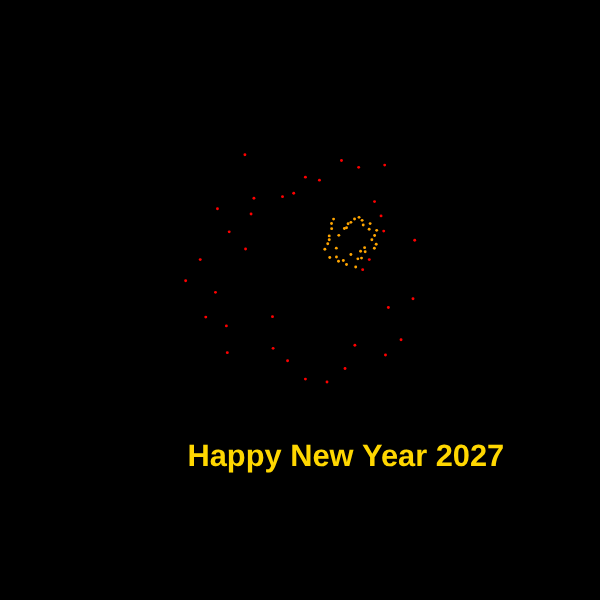 FireworksAn animation, frame by frame
 HeartTwo half circles make a heart
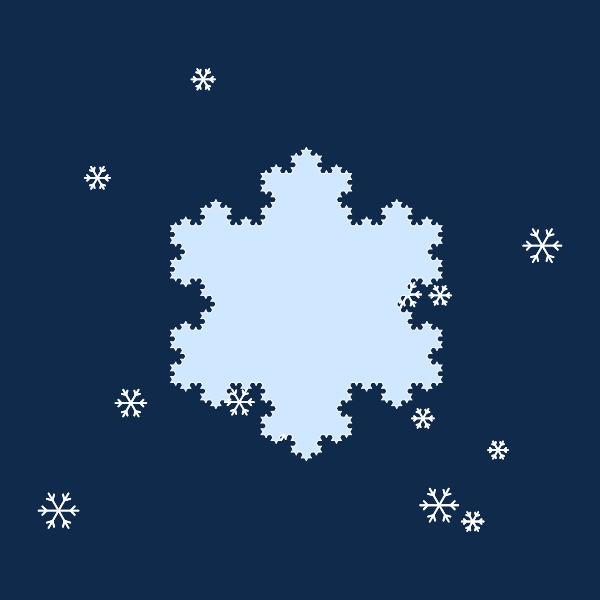 SnowflakeThe Koch curve, folded finer and finer
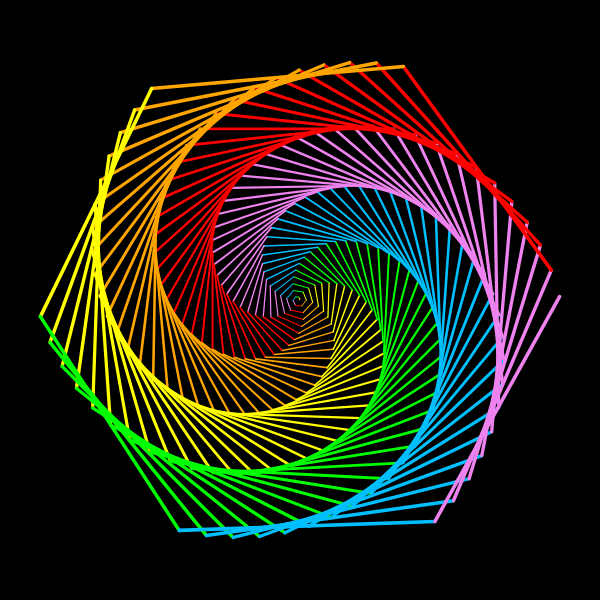 Rainbow spiralChange one angle, get a new picture
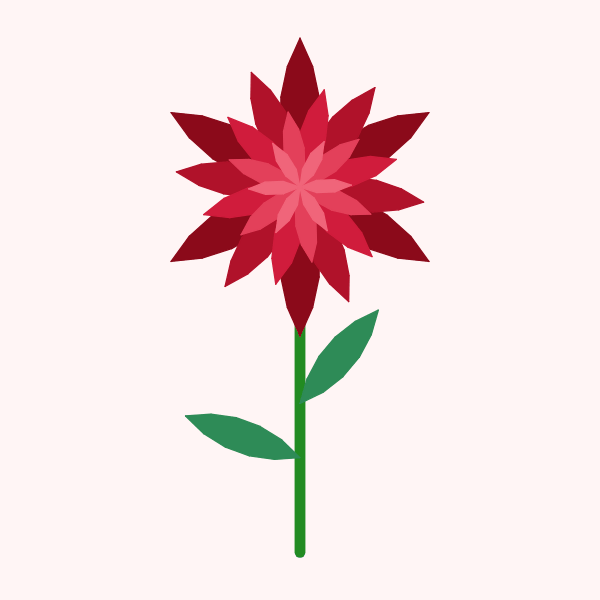 RosePetals turned layer by layer
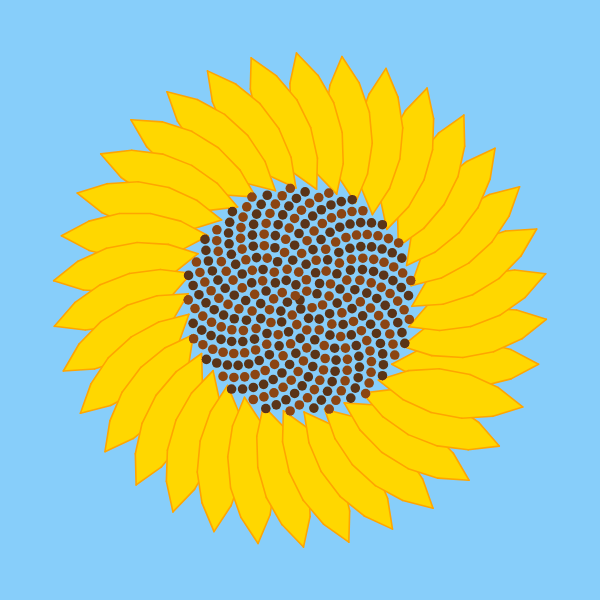 SunflowerSeeds in golden-angle spirals
 Birthday cakeSet the candles to their age
 SnowmanThree snowballs and a hat
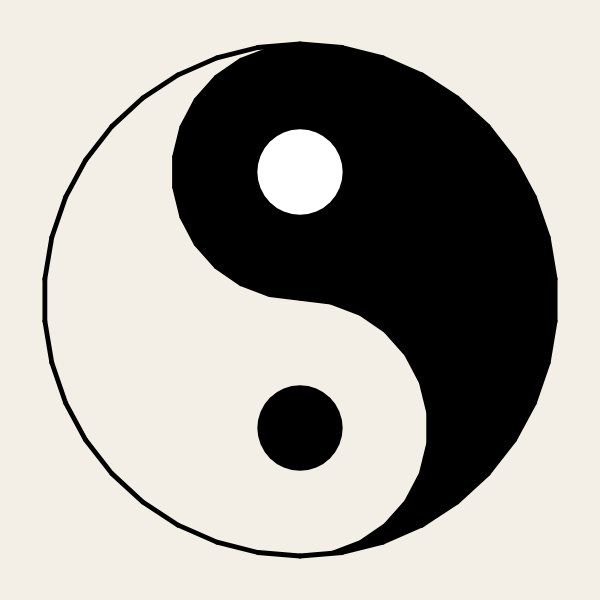 Yin yangThree half circles make the S
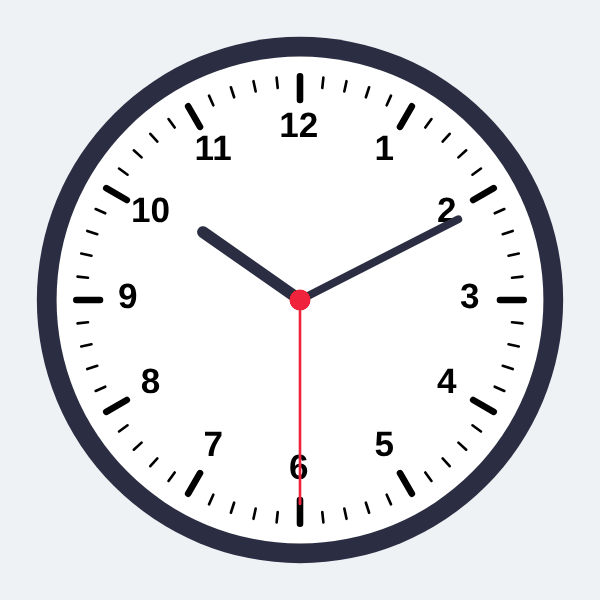 ClockIt tells the time
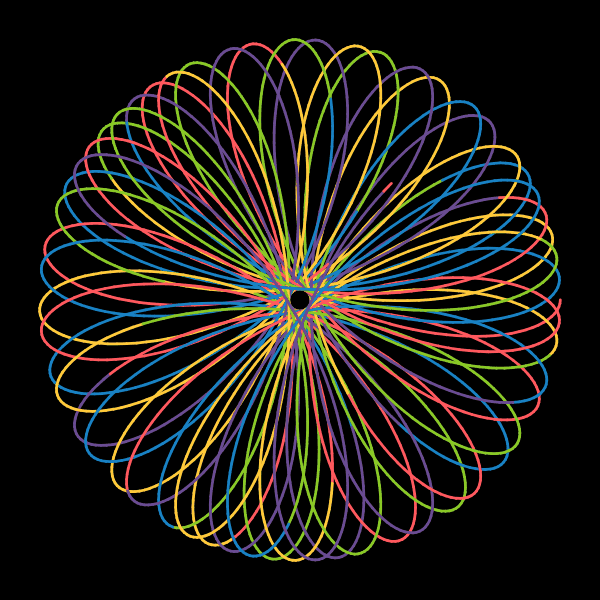 SpirographThree numbers, endless patterns
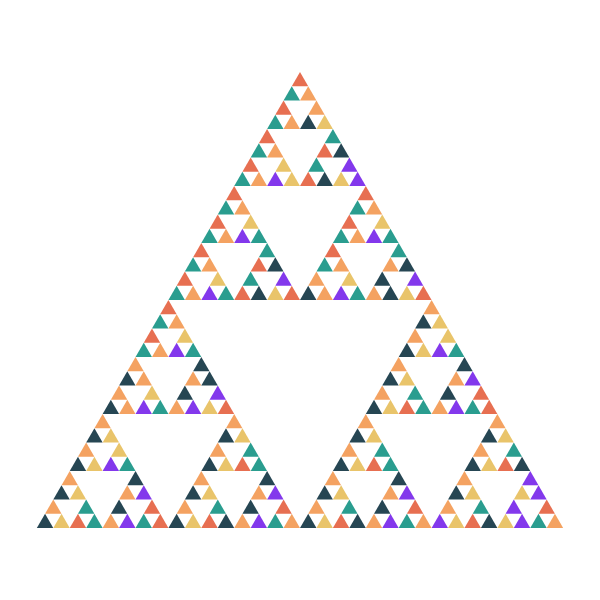 Sierpinski triangleA triangle full of holes
 Pythagoras treeA tree made of squares
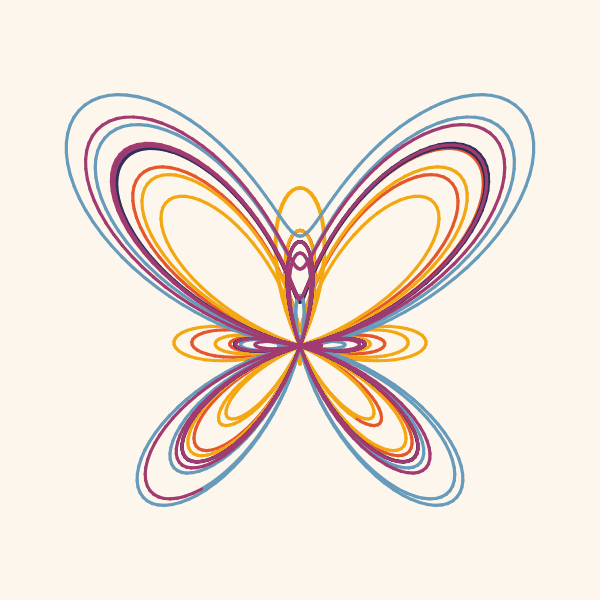 Butterfly curveA butterfly from one formula