Python Turtle Tutorial: 10 Basic Shapes
From a line to a heart, each shape in a few lines of code: the code on the left, what it draws on the right. Press Run to draw it again. Each one ends with a quick check.
✓ Drawn stroke for stroke the way real Python's turtle draws it
1. Lines and turns forward, left, setheading
import turtle

turtle.pensize(3)
turtle.pencolor("blue")
# forward 200, turn left 90 degrees, forward 100
turtle.forward(200)
turtle.left(90)
turtle.forward(100)
# face left (setheading(180)) and walk back
turtle.setheading(180)
turtle.fd(200)
turtle.done()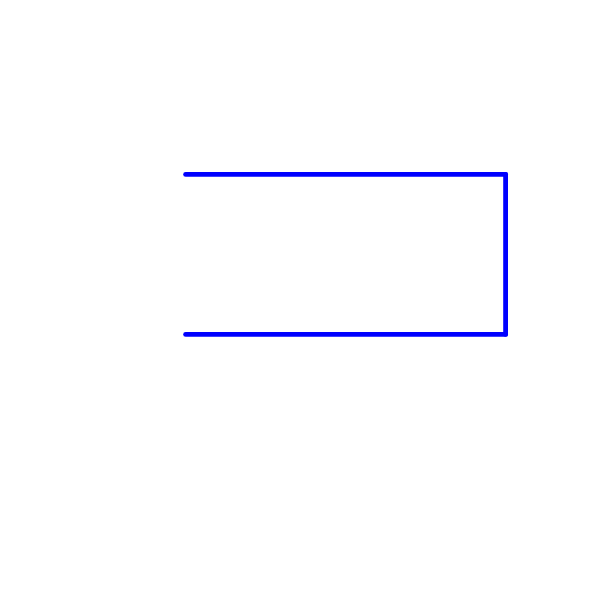
forward(distance) (short: fd) moves ahead; left(angle) / right(angle) turn from where the turtle faces now. setheading(angle) (short: seth) faces one way whatever came before: 0 is right, 90 up, 180 left, 270 down.
Quick check Make the turtle face straight down, whichever way it faces now: turtle.____(270)
seth (or setheading). It sets the direction; left(270) only faces down if the turtle was facing right.
2. Polygons turn 360 / n each time
import turtle

turtle.pensize(2)
# a regular polygon: n sides, turn 360 / n degrees each time
for n in [3, 4, 5, 6]:
    for i in range(n):
        turtle.fd(80)
        turtle.left(360 / n)
turtle.done()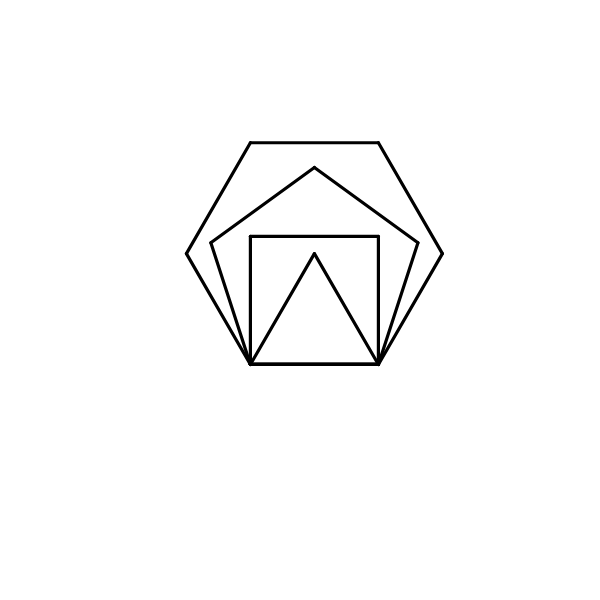
A regular polygon with n sides: n lines, the same turn after each, one whole turn (360 degrees) in all, so each turn is 360 / n: 120 for a triangle, 90 for a square, 72 for a pentagon, 60 for a hexagon.
Quick check A hexagon: for i in range(6): turtle.fd(100); turtle.left(____)
60 (360 / 6): the outside angle, not the inside one (120).
3. A star turn 144 degrees, filled
import turtle

turtle.color("red", "yellow")
turtle.begin_fill()
# a star: 5 lines, turn right 144 degrees each time
for i in range(5):
    turtle.fd(200)
    turtle.right(144)
turtle.end_fill()
turtle.done()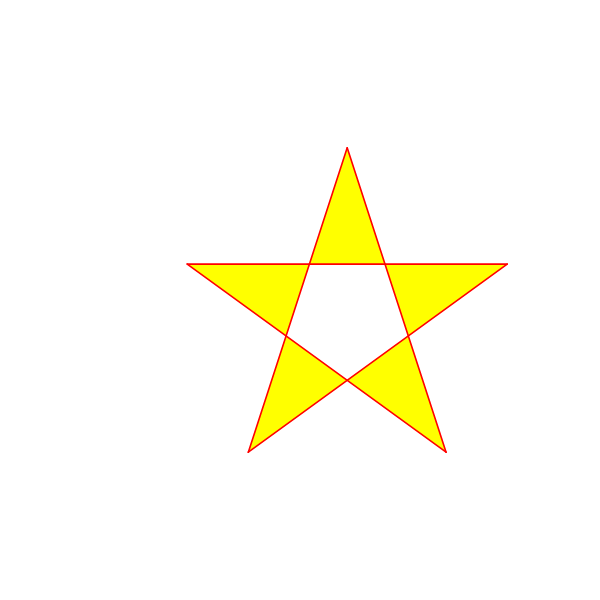
A five-pointed star turns 144 degrees five times: 720 degrees, twice round, so the lines cross. color("red", "yellow"): the first is the line, the second the fill.
Quick check This draws a pentagon, not a star. What changes? for i in range(5): turtle.fd(200); turtle.right(72)
72 becomes 144: 72 is the pentagon's turn, a star turns 144.
4. Circles and arcs radius, extent, steps
import turtle

turtle.pensize(3)
# circle(r): a whole circle, its centre r to the turtle's left
turtle.circle(60)
turtle.penup()
turtle.goto(150, 0)
turtle.pendown()
# circle(r, 180): half a circle
turtle.circle(60, 180)
turtle.penup()
turtle.goto(-150, 0)
turtle.pendown()
# circle(r, 360, 6): drawn in 6 steps, a hexagon
turtle.circle(60, 360, 6)
turtle.done()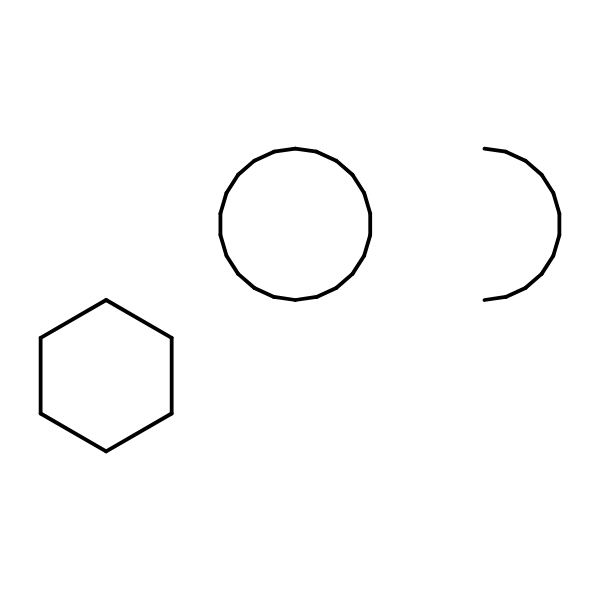
circle(r) draws a whole circle with its centre r to the turtle's left (a negative r: to its right). circle(r, 180) draws half of it, and circle(r, 360, 6) draws it in 6 steps: a hexagon.
Quick check What does turtle.circle(50, 90) draw, and how far does the turtle turn?
A quarter of a circle of radius 50; the turtle turns 90 degrees.
5. Filling begin_fill and end_fill
import turtle

# color(line color, fill color)
turtle.color("black", "skyblue")
turtle.begin_fill()
for i in range(4):
    turtle.fd(150)
    turtle.left(90)
turtle.end_fill()
# fillcolor changes only the fill color
turtle.fillcolor("pink")
turtle.begin_fill()
turtle.circle(50)
turtle.end_fill()
turtle.done()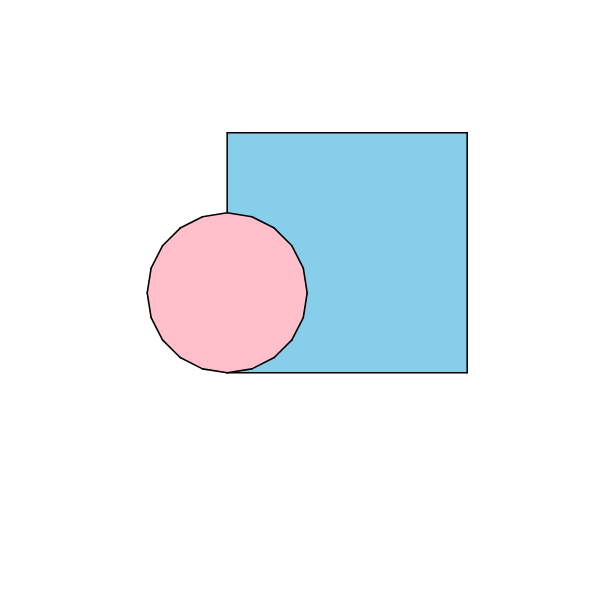
The shape walked between begin_fill() and end_fill() is filled. color(line, fill) sets both, fillcolor() only the fill, pencolor() only the line.
Quick check Nothing is filled. What is missing? turtle.color("black", "red"); turtle.begin_fill(); turtle.circle(80)
turtle.end_fill(): the fill is painted when end_fill() runs.
6. Pen up and goto penup, goto, home
import turtle

turtle.pensize(4)
# penup: move without drawing; goto: go straight to a point
for x in [-150, -50, 50, 150]:
    turtle.penup()
    turtle.goto(x, -40)
    turtle.pendown()
    turtle.goto(x, 40)
turtle.penup()
turtle.home()
turtle.done()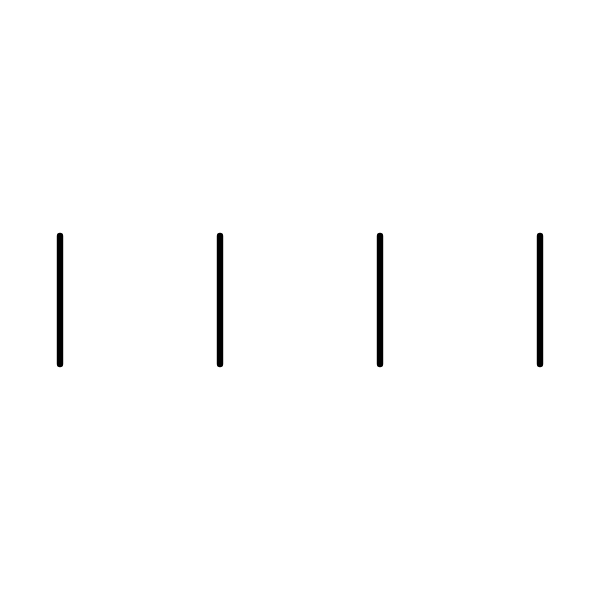
penup() moves without drawing; pendown() draws again. goto(x, y) goes straight to a point: (0, 0) is the middle, x grows to the right and y upwards. home() goes back to the middle, facing right.
Quick check Go to (100, 0) without drawing a line: turtle.____(); turtle.goto(100, 0); turtle.pendown()
penup (or up, or pu).
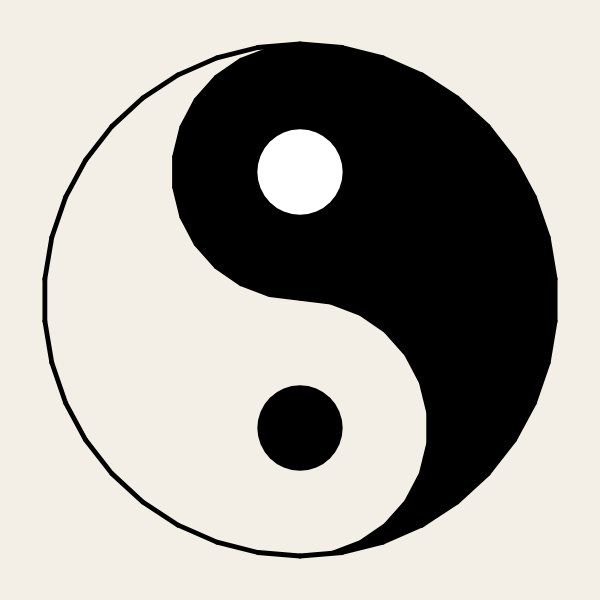
7. Yin and yang three half circles and two dots
import turtle

r = 120
turtle.penup()
turtle.goto(0, -r)
turtle.pendown()
# the black half: a big half circle and two small ones
turtle.color("black")
turtle.begin_fill()
turtle.circle(r, 180)
turtle.circle(r / 2, 180)
turtle.circle(-r / 2, 180)
turtle.end_fill()
# the outline
turtle.seth(0)
turtle.circle(r)
# the two dots
turtle.penup()
turtle.goto(0, r / 2)
turtle.dot(r / 3, "white")
turtle.goto(0, -r / 2)
turtle.dot(r / 3, "black")
turtle.hideturtle()
turtle.done()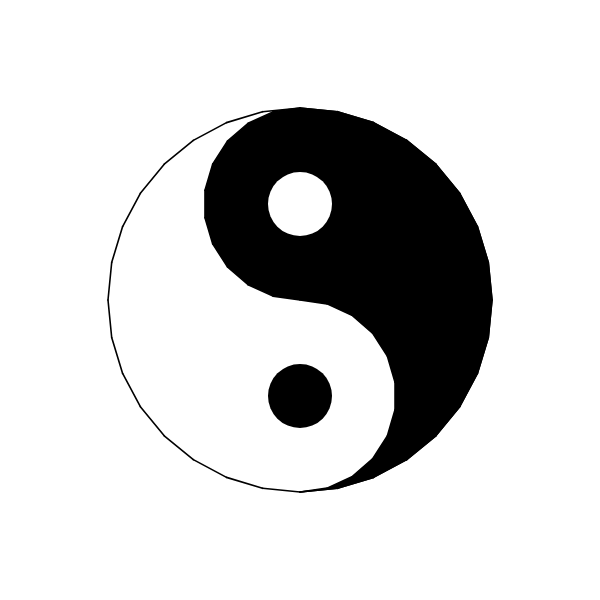
The black half is three arcs: a half circle of radius r, then a half circle of r/2, then one of -r/2, which makes the S. dot(size, color) draws a filled dot.
Quick check Why is the third arc circle(-r / 2, 180)?
A negative radius puts the centre on the turtle's right, so the arc bends the other way and the two small arcs make an S.
8. Rings all around (0, 0)
import turtle

turtle.pensize(2)
# circles around (0, 0): a circle of radius r starts at (0, -r)
for r in range(20, 120, 20):
    turtle.penup()
    turtle.goto(0, -r)
    turtle.pendown()
    turtle.circle(r)
turtle.hideturtle()
turtle.done()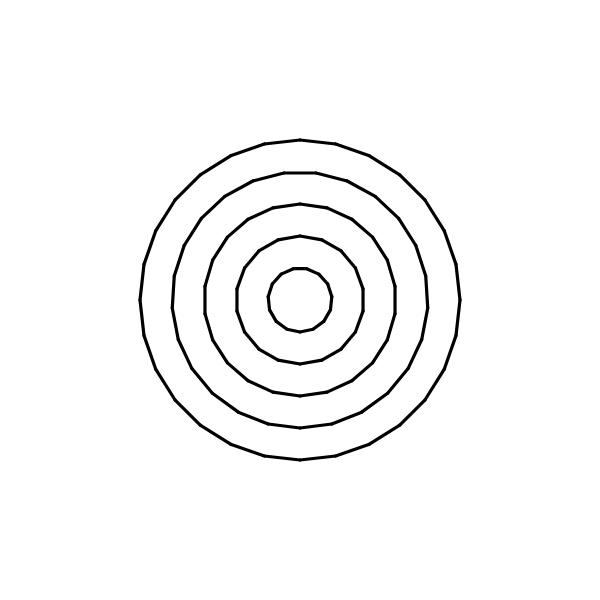
circle's centre is r to the turtle's left, so for a circle of radius r around (0, 0) the turtle starts at (0, -r) facing right, pen up on the way there.
Quick check for r in range(20, 120, 20): how many circles, and the largest radius?
5 circles: radius 20, 40, 60, 80 and 100. range stops before 120.
9. Writing text write and font
import turtle

turtle.penup()
turtle.goto(-120, 0)
turtle.pencolor("darkgreen")
# write(text, align=..., font=(name, size, style))
turtle.write("Hello, turtle", font=("Arial", 32, "bold"))
turtle.goto(-120, -50)
turtle.write("Python turtle graphics", font=("Arial", 20, "normal"))
turtle.hideturtle()
turtle.done()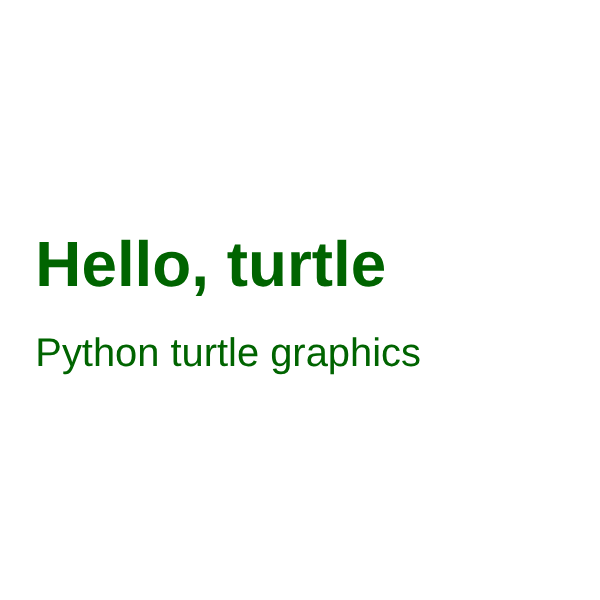
write(text, align=..., font=(name, size, style)) writes where the turtle is. align is "left", "center" or "right"; the style "normal", "bold" or "italic". Lift the pen first, so no line is drawn on the way.
Quick check Center the text on the turtle: what goes into write?
align="center", as in turtle.write("Hi", align="center").
10. A heart two lines and two half circles
import turtle

turtle.color("red", "pink")
turtle.pensize(2)
turtle.begin_fill()
# a heart: face up-left at 45 degrees, a line, two half circles, a line
turtle.left(45)
turtle.fd(120)
turtle.circle(60, 180)
turtle.right(90)
turtle.circle(60, 180)
turtle.fd(120)
turtle.end_fill()
turtle.hideturtle()
turtle.done()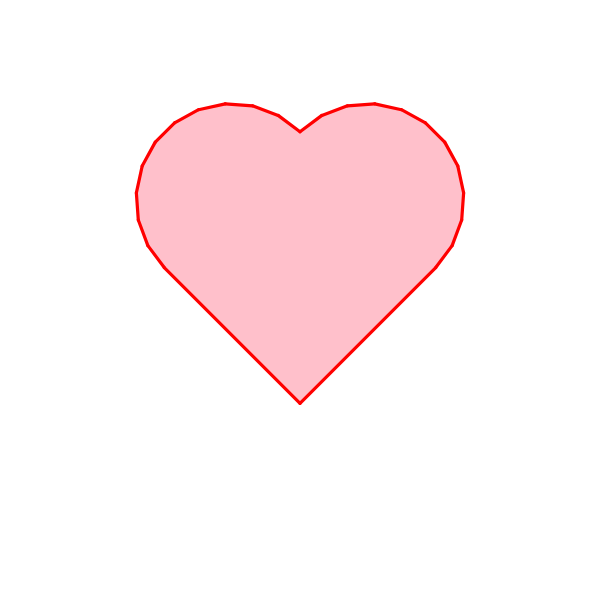
left(45) faces up and to the left; a line, a half circle, right(90), another half circle and a line back to the start. The lines are twice the radius, so the sides meet.
Quick check In the heart, how are fd(120) and circle(60, 180) related?
The line is twice the radius (120 = 2 x 60), so the turtle ends where it began.
How it is drawn
Turtle graphics steer a turtle: forward moves it, left and right turn it, and it draws where it goes. The 10 shapes above use most of what beginners meet: turning angles in a loop, circle's radius and extent, filling, lifting the pen.
Before you draw, know two things: where the turtle is and which way it faces. circle's centre is on the turtle's left, goto keeps the heading, seth sets it, left and right turn from it.
The code is written as in IDLE (import turtle, then turtle.fd(...)), and it draws line for line what real Python's turtle draws.
Press Edit to open any of them in the online editor and change the numbers and colors.
Questions
Do I need to install anything?
No: every program here runs in your browser. On your own computer, Python 3 comes with turtle; save the code as shapes.py and run it.
What does turtle.done() do?
It keeps the window open after the drawing. Use it when you run the code in IDLE; this page shows the picture either way.
Is fd the same as forward?
Yes: fd, bk, lt, rt, seth, pu and pd are short names for forward, back, left, right, setheading, penup and pendown.
 HeartTwo half circles make a heart
 Rainbow spiralChange one angle, get a new picture
 Yin yangThree half circles make the S
 SpirographThree numbers, endless patterns