Python turtle で雪だるま
上ほど小さい雪玉 3 つに帽子とにんじんの鼻。雪はまだ降っています。

コード全体(61 行)
import turtle
import random

screen = turtle.Screen()
screen.bgcolor("#16325c")
t = turtle.Turtle()
t.hideturtle()
t.speed(0)
t.penup()

# 地面の雪
t.goto(-320, -200)
t.color("white")
t.begin_fill()
for x, y in [(320, -200), (320, -320), (-320, -320)]:
    t.goto(x, y)
t.end_fill()

# 体:雪玉 3 つ、上ほど小さく
t.goto(0, -130)
t.dot(200, "white")
t.goto(0, 10)
t.dot(150, "white")
t.goto(0, 120)
t.dot(110, "white")

# 目とボタン
for x, y, size in [(-18, 135, 12), (18, 135, 12), (0, 40, 12), (0, 10, 12), (0, -20, 12)]:
    t.goto(x, y)
    t.dot(size, "black")

# にんじんの鼻
t.goto(0, 120)
t.color("orange")
t.begin_fill()
t.goto(45, 112)
t.goto(0, 108)
t.end_fill()

# 腕
t.pencolor("saddlebrown")
t.pensize(5)
for sx in [-1, 1]:
    t.goto(sx * 65, 30)
    t.pendown()
    t.goto(sx * 140, 80)
    t.penup()

# 帽子
t.pensize(1)
t.goto(-60, 165)
t.color("black")
t.begin_fill()
for x, y in [(60, 165), (60, 175), (35, 175), (35, 235), (-35, 235), (-35, 175), (-60, 175)]:
    t.goto(x, y)
t.end_fill()

# 雪
for i in range(90):
    t.goto(random.randint(-300, 300), random.randint(-180, 300))
    t.dot(random.randint(3, 7), "white")
どうやって描いているか
雪玉は t.dot(直径, 色) です。中心へ移動して大きな点を打ちます。中心は上ほど高く、点は上ほど小さくします。
目とボタンは (x, y, 大きさ) のリストで、1 つのループで描きます。
鼻、帽子、地面は goto で 1 点ずつたどった形を、begin_fill() と end_fill() で塗ります。
腕は for sx in [-1, 1]。x に -1 を掛ければ左、1 なら右。1 つのコードで左右対称の腕が描けます。
よくある質問
最初に penup するのはなぜ?
ほとんどが点と塗りつぶしなので、移動のときに線を残したくありません。腕を描くときだけ一瞬ペンを下ろします。
マフラーを巻くには?
「編集」で、帽子の前に (-55, 70) のあたりを赤い帯で囲み、begin_fill と end_fill ではさみます。
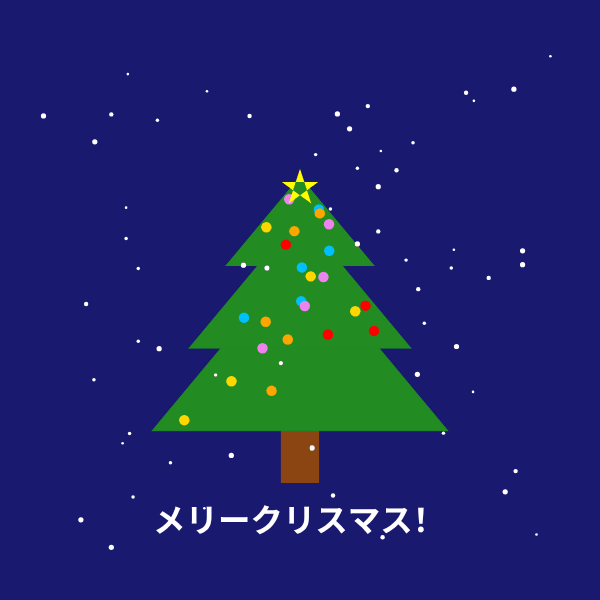 動くクリスマスツリーライトが点滅し、雪が降る
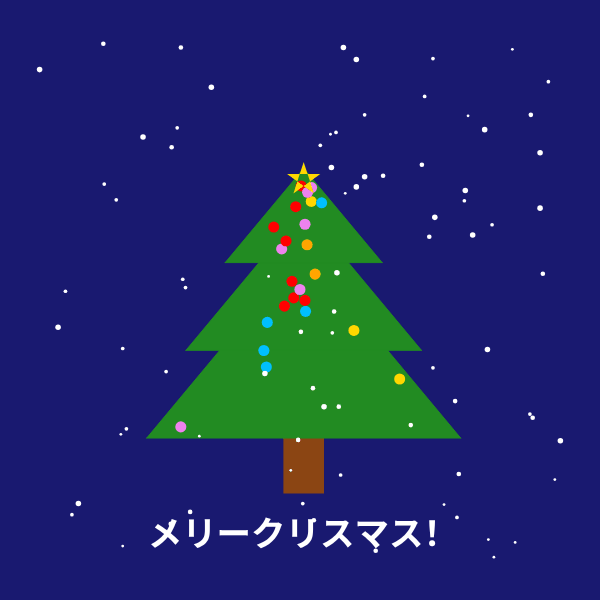 クリスマスツリー電飾、星、雪、メッセージ
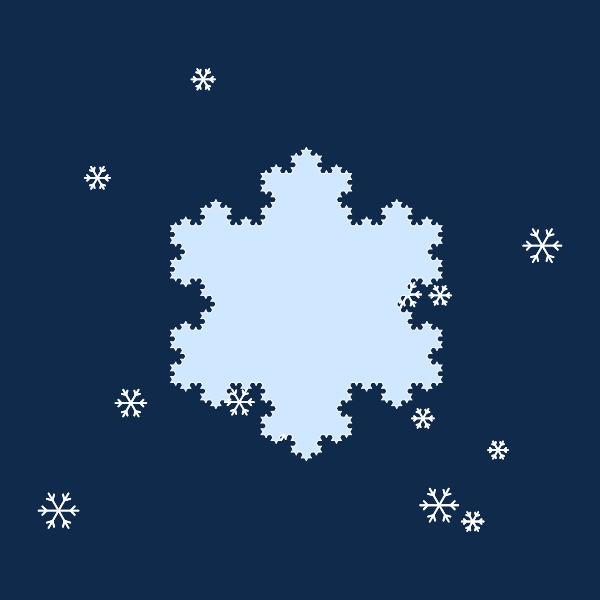 雪の結晶どんどん細かくなるコッホ曲線
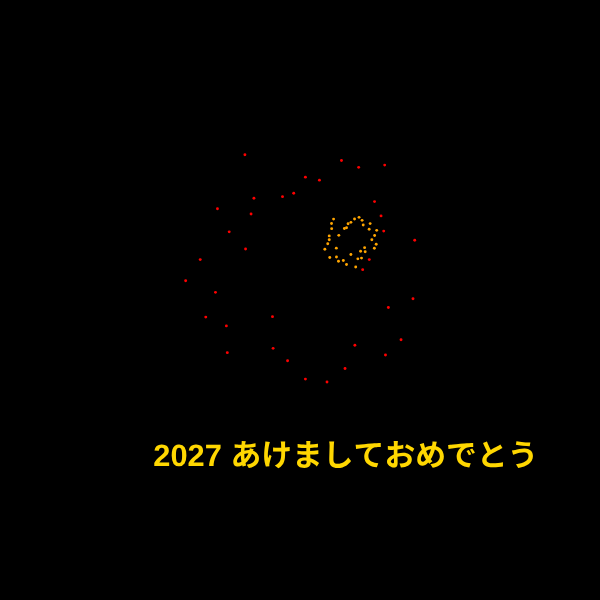 花火1 コマずつ描くアニメーション