Python 畫星空
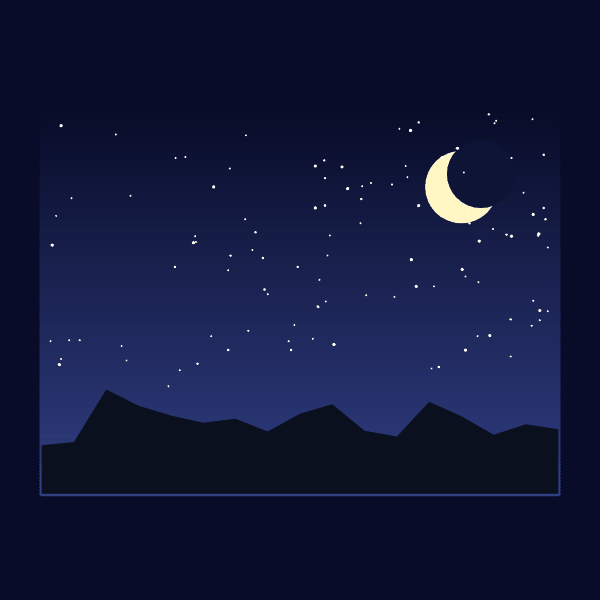
漸變的夜空、月牙、遠山,還有一閃一閃的星星。
完整程式碼(62 行)
import turtle
import random

screen = turtle.Screen()
screen.setup(640, 480)
screen.colormode(255)
screen.tracer(0)
screen.bgcolor(8, 12, 40)
t = turtle.Turtle()
t.hideturtle()
t.penup()

# 夜空:一條一條橫線,從上往下顏色慢慢變淺
t.pensize(6)
for y in range(240, -241, -4):
    k = (240 - y) / 480
    t.pencolor(int(8 + 40 * k), int(12 + 50 * k), int(40 + 90 * k))
    t.goto(-320, y)
    t.pendown()
    t.goto(320, y)
    t.penup()

# 彎彎的月亮:一個黃圓,再蓋一個夜空顏色的圓
t.goto(200, 140)
t.dot(90, (255, 246, 196))
t.goto(224, 156)
t.dot(84, (14, 20, 54))

# 遠處的山
t.goto(-320, -240)
t.color(10, 16, 30)
t.begin_fill()
for x in range(-320, 341, 40):
    t.goto(x, -150 + random.randint(-30, 40))
t.goto(320, -240)
t.end_fill()
screen.update()

# 星星一閃一閃:每一幀重新畫一遍,大小隨機
stars = []
for i in range(110):
    stars.append((random.randint(-310, 310), random.randint(-110, 235)))
s = turtle.Turtle()
s.hideturtle()
s.penup()
count = 0


def twinkle():
    global count
    s.clear()
    for x, y in stars:
        s.goto(x, y)
        s.dot(random.randint(1, 4), "white")
    screen.update()
    count += 1
    if count < 40:
        screen.ontimer(twinkle, 120)


twinkle()
turtle.done()
怎麼畫的
夜空是一條一條的橫線:從上往下,每條線的顏色用 pencolor(紅, 綠, 藍) 算出來,越往下越亮,連起來就是漸變。colormode(255) 讓顏色用 0–255 的數。
月牙是兩個圓點疊出來的:先點一個淡黃的大圓,再在右上方點一個夜空顏色的圓,蓋住的部分就「缺」了。
遠山是一個填色的多邊形:沿著 x 方向每 40 走一步,高度隨機,最後回到底邊塗滿。
星星用另一隻海龜 s 畫:每一幀 s.clear() 擦掉,再用隨機大小重新點一遍,看起來就在閃。ontimer 每 120 毫秒畫一幀。
常見問題
為什麼要兩隻海龜?
clear() 只擦掉這隻海龜自己畫的東西。星星用單獨的海龜 s 畫,擦星星的時候夜空、月亮和山都不會被擦掉。
顏色報錯 bad color sequence?
用 (紅, 綠, 藍) 三個 0–255 的數之前要先 screen.colormode(255),否則 turtle 只接受 0–1 的小數。
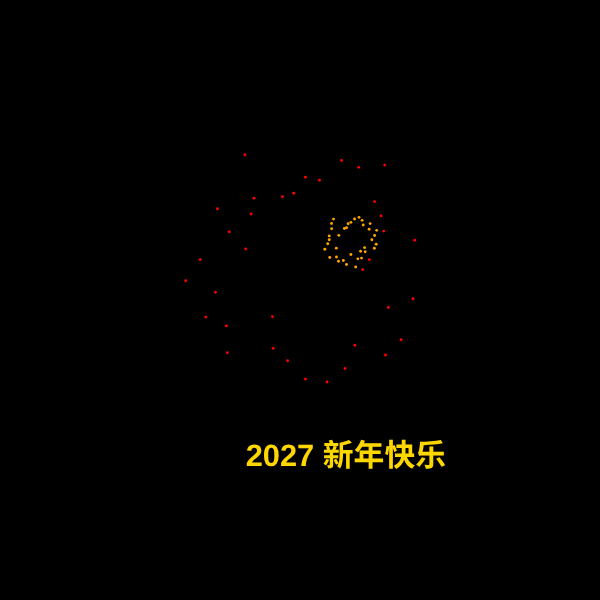 跨年煙花會動的煙花:一幀一幀畫
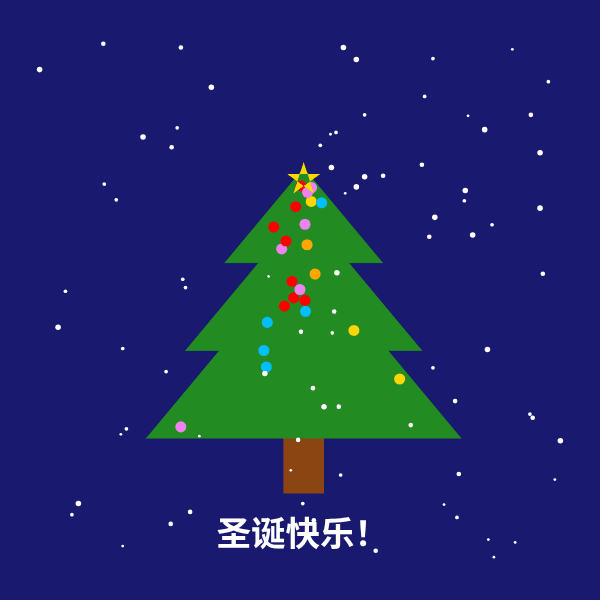 聖誕樹彩燈、星星、雪,還有一句祝福
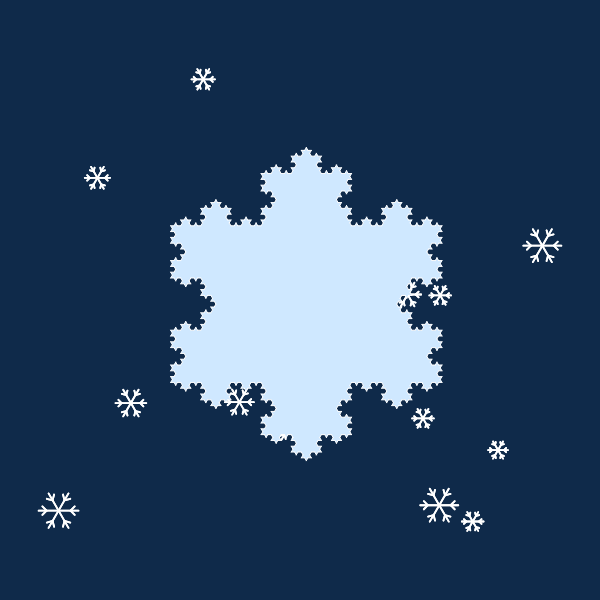 雪花科赫曲線:越折越細的邊
 櫻花樹遞迴長出的樹,每次都不一樣